App Store Screenshot Copywriting Examples
Write clearer App Store screenshot headlines with benefit-led formulas, before-and-after examples, sequencing guidance, and a practical testing checklist.
In this article
- 01Screenshot copy should make the decision easier
- 02Use outcome, specificity, and proof
- 03Before-and-after screenshot copy examples
- 04Give the first three screenshots distinct jobs
- 05Match screenshot copy to search intent
- 06Different categories need different proof
- 07Mine reviews for language, objections, and proof
- 08Write for a small screen
- 09Common screenshot copy mistakes
- 10Test the sequence, not only individual headlines
- 11Screenshot copy checklist
- 12FAQ
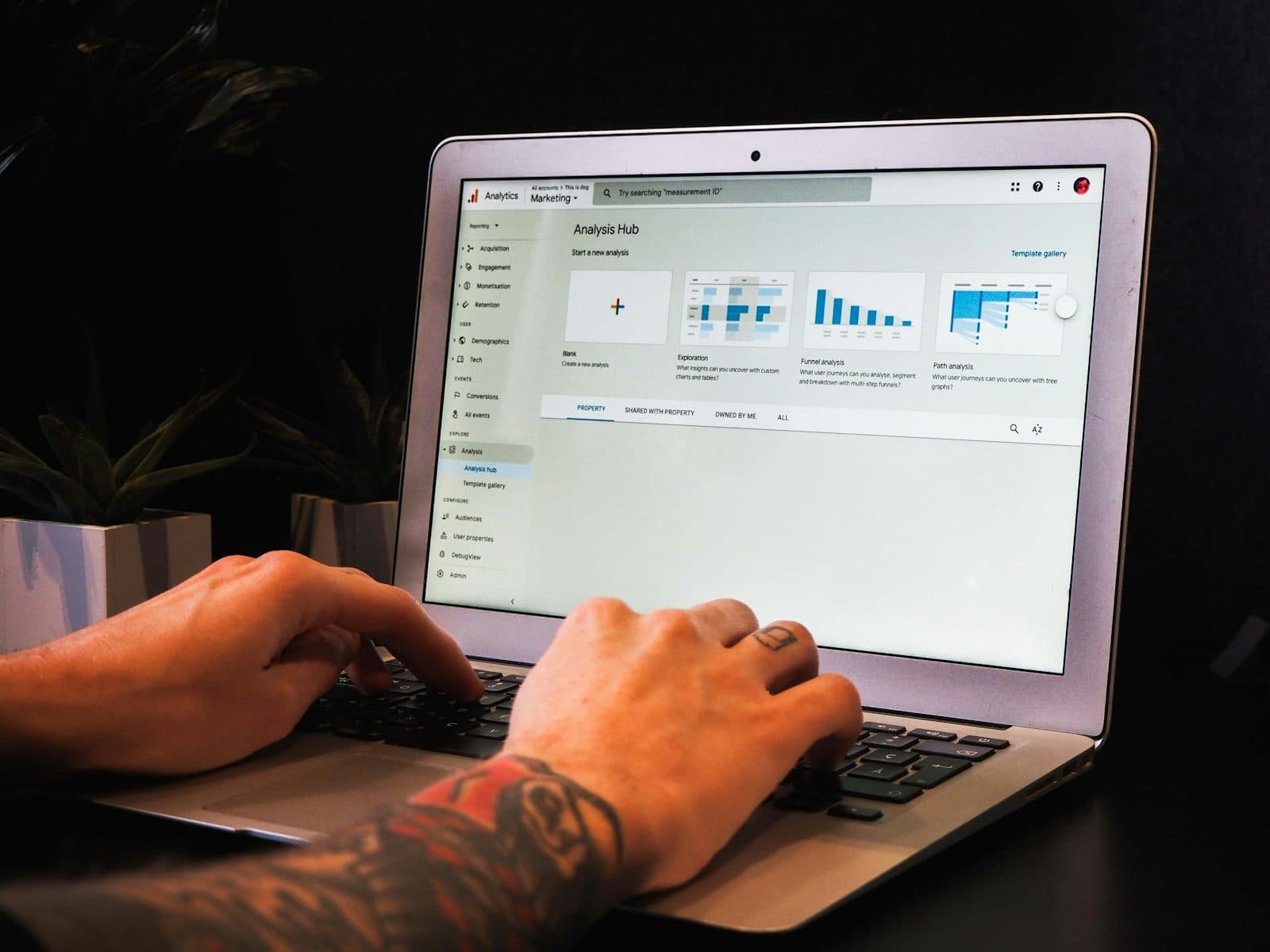
Screenshot copy should make the decision easier
App Store screenshot copy is not a list of interface labels. Its job is to help a scanning visitor understand the product, recognize a useful outcome, and find enough proof to continue toward download. Good copy reduces interpretation. Weak copy makes the user translate features into benefits on their own.
Start with a clear promise, then show the workflow and evidence behind it. There is no universal five-word rule, but shorter headlines are usually easier to read on a small screen. Every word should earn its space.
Use outcome, specificity, and proof
The most useful screenshot headlines combine three ingredients. You do not need all three in every frame, but the first three screenshots should cover them as a sequence.
Outcome
What becomes easier, faster, clearer, safer, or more enjoyable?
Specificity
Which task, input, audience, or moment makes the promise concrete?
Proof
What visible workflow, result, trust signal, or constraint supports it?
For example, Advanced AI Editing names a capability.Remove Distractions in One Tap names a result and a low-effort workflow. The second version is stronger only if the screenshot and product genuinely prove it.
Before-and-after screenshot copy examples
| Category | Weak feature copy | Stronger outcome copy | Why it improves |
|---|---|---|---|
| AI assistant | Advanced AI Chat | Turn Rough Notes Into a Plan | Names an input and a useful result |
| Photo editor | AI Object Removal | Clean Up Any Photo in Seconds | Explains the benefit and expected effort |
| Sleep tracker | Detailed Sleep Analytics | See What Disrupted Your Sleep | Connects data to a user question |
| Scanner | Powerful OCR Scanner | Scan Receipts Into Searchable PDFs | Adds the object, format, and result |
| Habit tracker | Flexible Habit Management | Keep Today's Habits on Track | Uses familiar language and a daily moment |
| Marketplace | Easy Product Listings | List an Item in Under a Minute | Turns ease of use into a measurable promise |
A stronger line is not automatically a better line. Avoid time, accuracy, savings, or performance claims that the product and data cannot substantiate.
Give the first three screenshots distinct jobs
The opening sequence should work as a compact landing page. Repeating the same promise three times wastes high-attention space.
- Screenshot one—promise: State the primary outcome for the highest-value audience.
- Screenshot two—workflow: Show how the user reaches the outcome with the product.
- Screenshot three—proof: Reduce the main objection with a result, trust signal, differentiator, or constraint.
Example: AI research assistant
- 01: Understand Any Report Faster
- 02: Ask Questions Across Your PDFs
- 03: Trace Every Answer to Its Source
This sequence matches the search promise, demonstrates the workflow, and addresses the trust problem. The same structure can be adapted to finance, health, education, utilities, and creator apps.
Match screenshot copy to search intent
Screenshot copy should continue the promise that brought a user to the listing. A visitor arriving from a PDF scanner query should see scanning and PDF outcomes immediately. A visitor looking for an AI writing tool should not land on a generic statement about innovation.
- Category intent explains what the app is
- Task intent demonstrates what the user can do
- Outcome intent explains why the workflow matters
- Audience intent shows who the experience is designed for
The AI assistant keyword guide shows how to separate those intent levels before writing creative.
Different categories need different proof
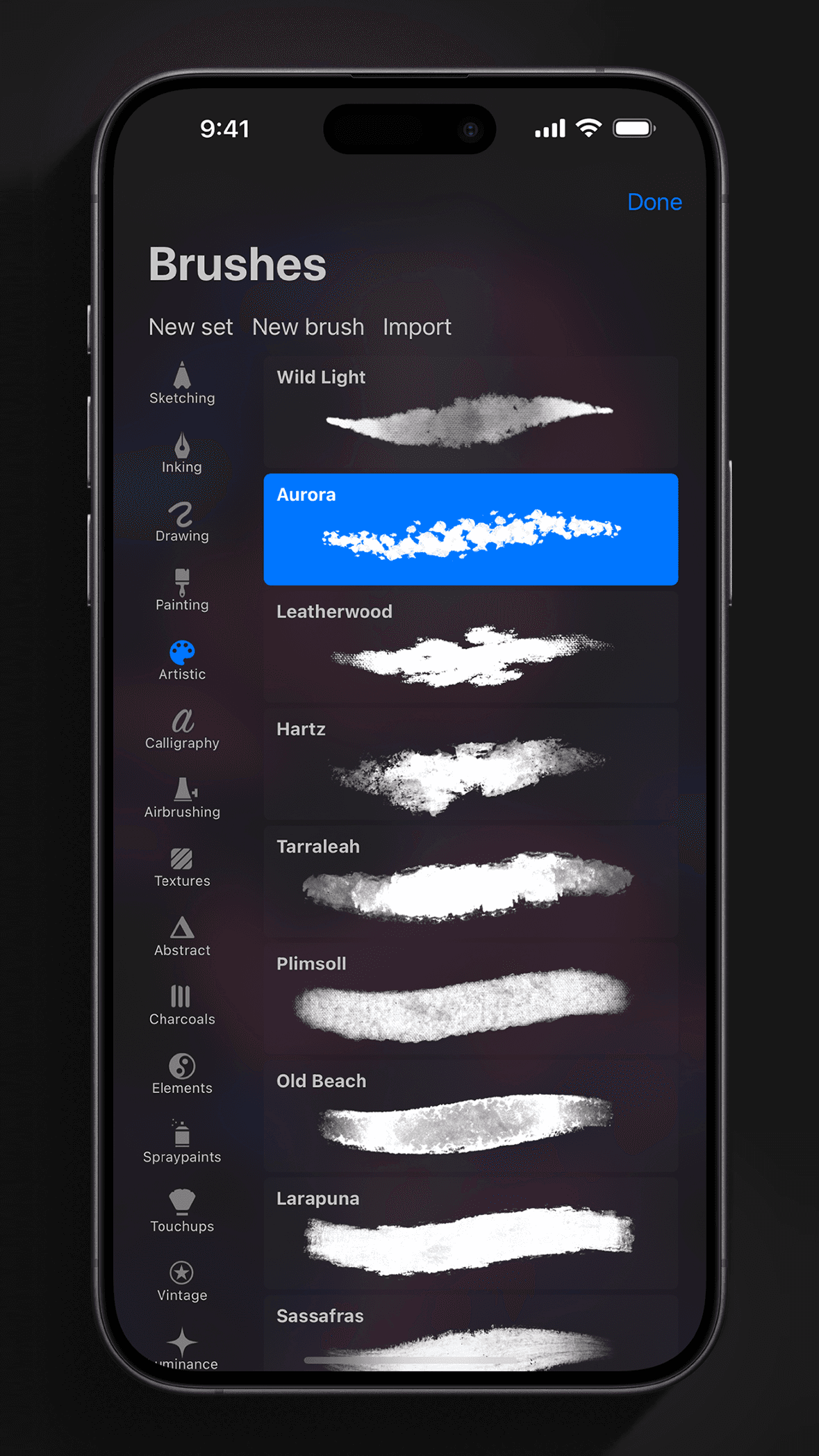
Productivity and utility apps
Show reduced effort, a clear before-and-after state, or a finished output. Useful copy often contains a verb: scan, organize, plan, summarize, export, track, or compare.
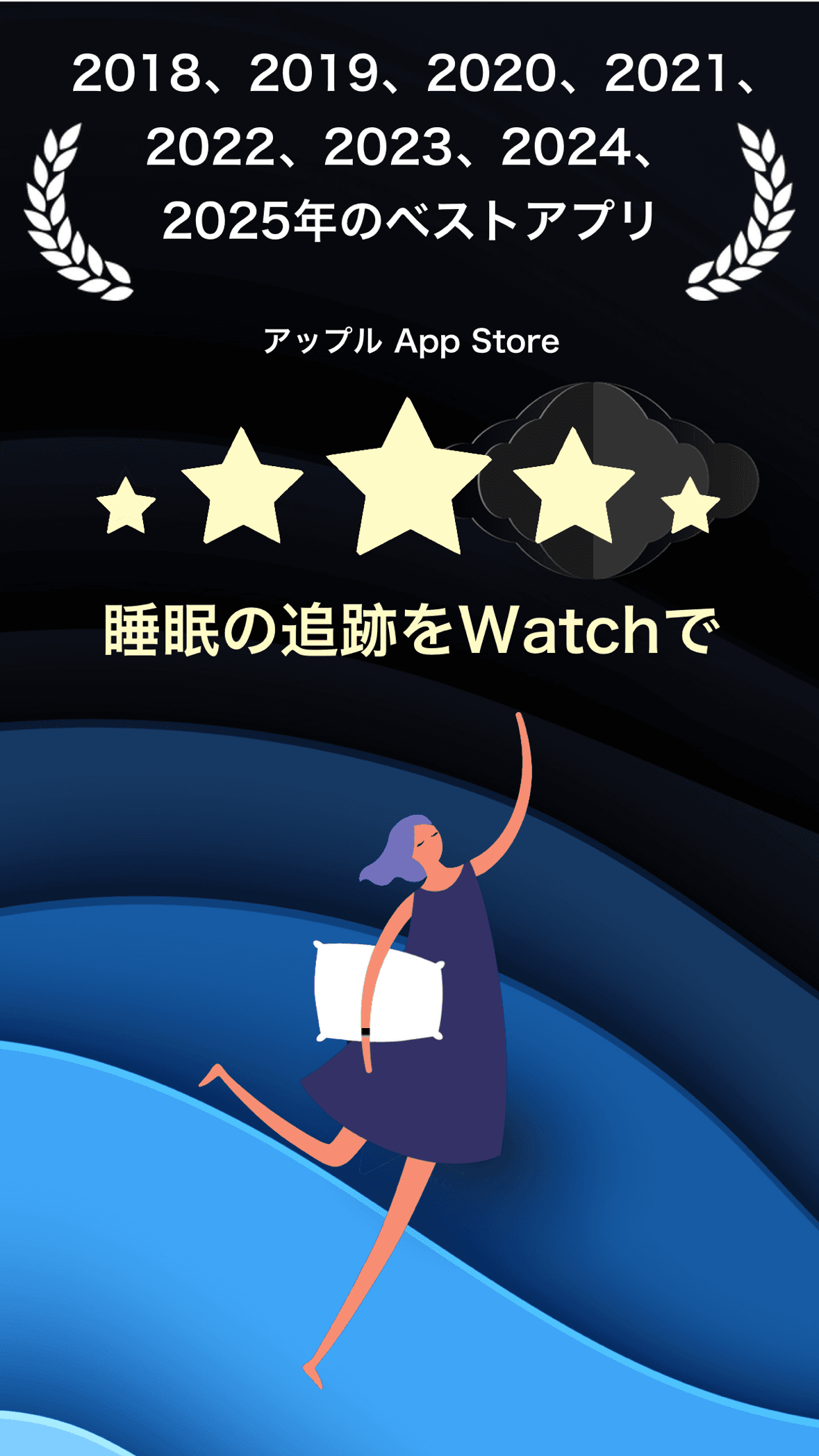
Health and fitness apps
Translate data into understanding without promising a medical result the product cannot support. Understand Your Sleep Trendsis safer and clearer than an unsupported claim to cure poor sleep.
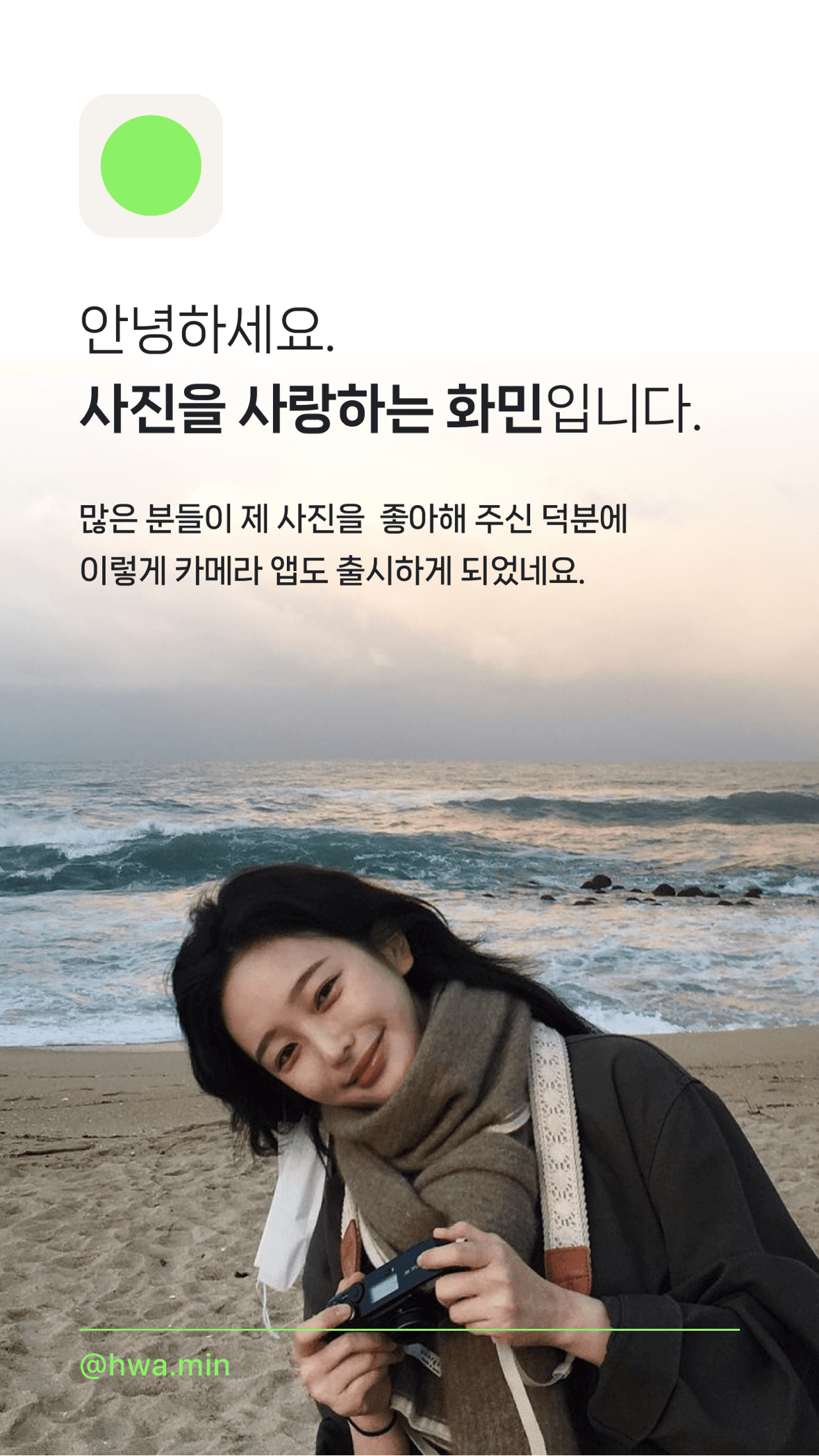
Photo and video apps
Let the output carry the proof. Copy should frame the transformation instead of competing with the image. Mood, speed, control, and export quality can each support a distinct creative direction.
AI assistants
Avoid broad claims such as Do Anything With AI. Demonstrate a valuable job. The ChatGPT, Claude, and Gemini comparison explains how leading assistants combine a familiar category with a distinct everyday, work, or ecosystem position.
Mine reviews for language, objections, and proof
Reviews can reveal the words customers use when a product succeeds and the reasons prospects may hesitate. Do not copy one enthusiastic sentence and treat it as representative. Group repeated language and separate positive outcomes from negative friction.
Positive-review questions
- Which outcome is mentioned repeatedly?
- What feels surprisingly easy?
- Which audience identifies itself?
- What would users miss if the app disappeared?
Negative-review questions
- Which expectation is not being met?
- Is pricing or account setup unclear?
- Which workflow causes repeated friction?
- Can the listing set a more accurate expectation?
Use the review intelligence workflow before turning customer language into screenshot claims.
Write for a small screen
- Put the meaningful words first
- Prefer one idea per screenshot
- Remove adjectives that do not change the meaning
- Use concrete verbs and familiar nouns
- Keep the headline readable at thumbnail size
- Do not place essential text inside the product UI
- Check localization before locking the layout
A headline can be longer than five words when clarity requires it. The real constraint is legibility, not an arbitrary word count.
Common screenshot copy mistakes
- Feature dumping: every frame lists a capability without a user outcome
- Empty superlatives: powerful, revolutionary, smart, and ultimate without proof
- Repeated messages: several screenshots restate the same promise
- Keyword stuffing: creative reads like a metadata field
- Unsupported claims: speed, accuracy, savings, or health outcomes without evidence
- UI labels as headlines: text names a screen instead of explaining its value
- Mismatch: copy promises a workflow the image does not demonstrate
Test the sequence, not only individual headlines
Screenshot performance depends on the promise, visual, order, audience, and traffic source. Test a coherent hypothesis rather than swapping random words.
- Record the current conversion baseline
- Identify the main message problem or user objection
- Write one testable creative hypothesis
- Change the smallest sequence needed to test it
- Run the test long enough to collect a useful sample
- Document the result and the audience it applies to
Continue with the App Store conversion rate guide for the broader listing workflow.
Screenshot copy checklist
- The first screenshot communicates one primary outcome
- The first three screenshots cover promise, workflow, and proof
- Every headline matches the image beneath it
- Claims are accurate and supportable
- Copy reflects the search intent being targeted
- Text remains readable at App Store thumbnail size
- Localized layouts allow for text expansion
- The sequence has a measurable test hypothesis
FAQ
How many words should an App Store screenshot use?
Use the fewest words needed to communicate one clear idea at the final display size. Many effective headlines are short, but clarity and legibility matter more than a fixed word limit.
Should screenshot copy include keywords?
It should use language that matches user intent, but screenshots are conversion assets rather than a place to repeat a keyword list.
Should every screenshot have a headline?
No. A strong visual result may need only a short frame, label, or no additional copy. Use text when it reduces ambiguity.
Where should the strongest message appear?
Put the primary outcome in the first screenshot and use the next two frames to demonstrate the workflow and reduce the main objection.
Continue your ASO workflow